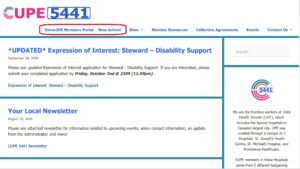
Please be advised the members portal is now live! You can find the link on the local’s website by clicking on the Members Portal button.
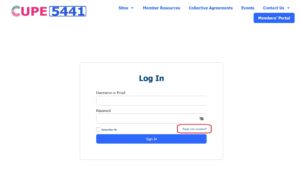
Before logging in for the first time, you will need to create your own password which can be done by clicking “forgot your password?” and providing the email address the local has on file for you. You will receive an email with instructions to change your password and will be able to login after that.
There will be more details and instructions in the near future for what the Members Portal offers, what sites you can view, and more!